Basic
Single-till cafés and small venues
Call for pricing
- Tables, tickets and quick sale
- Waiter and cashier roles
- QR menu and QR ordering
- Recipes, stock, suppliers, counts
- Customer display
- Reports, owner screen, Karabeyaz AI
- Offline mode
- 2 devices
KARABEYAZ POS
A POS for your café, restaurant or takeaway that needs no installation. Describe your business and the panel sets itself up to match. Runs on tablets, computers and phones.
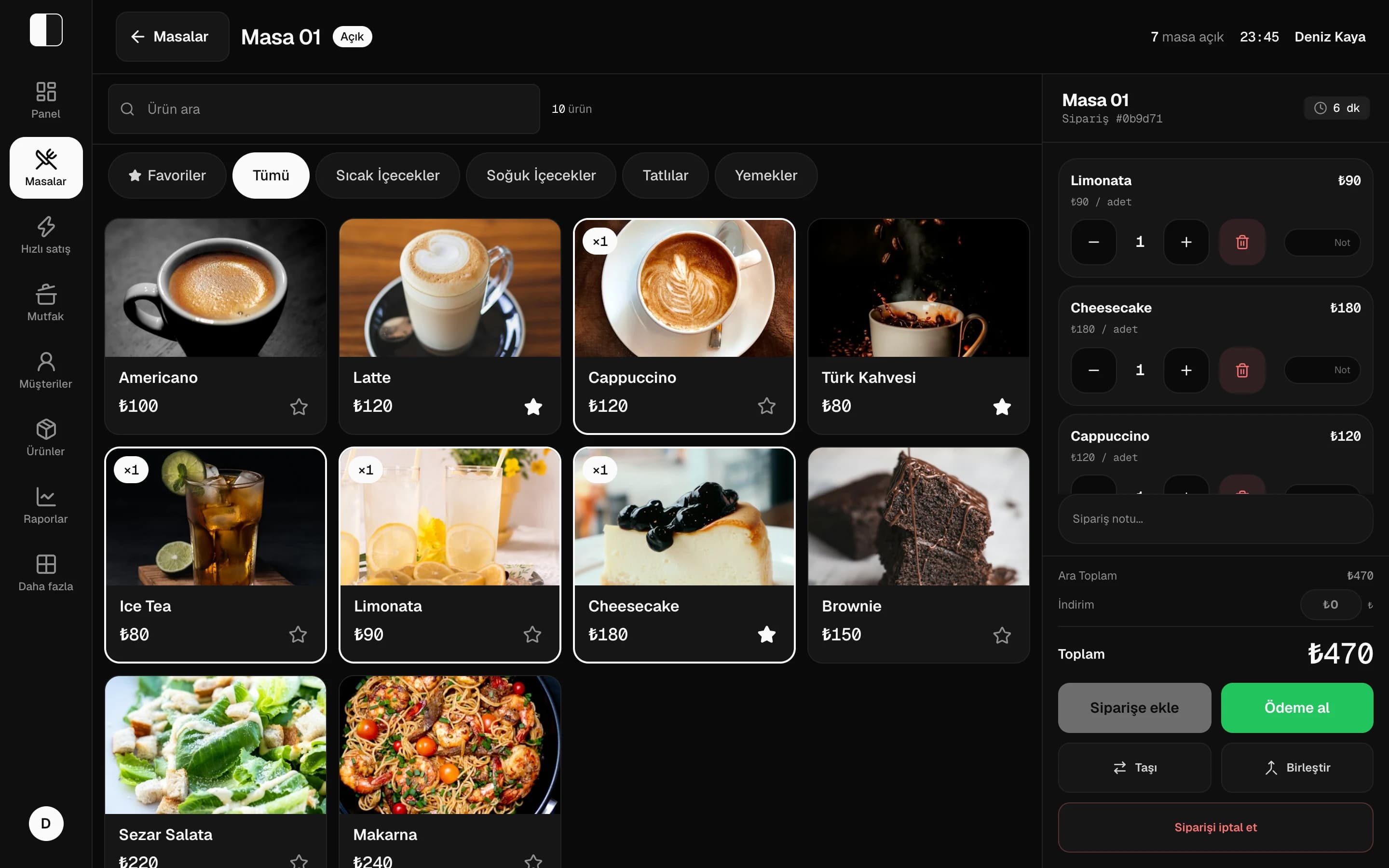
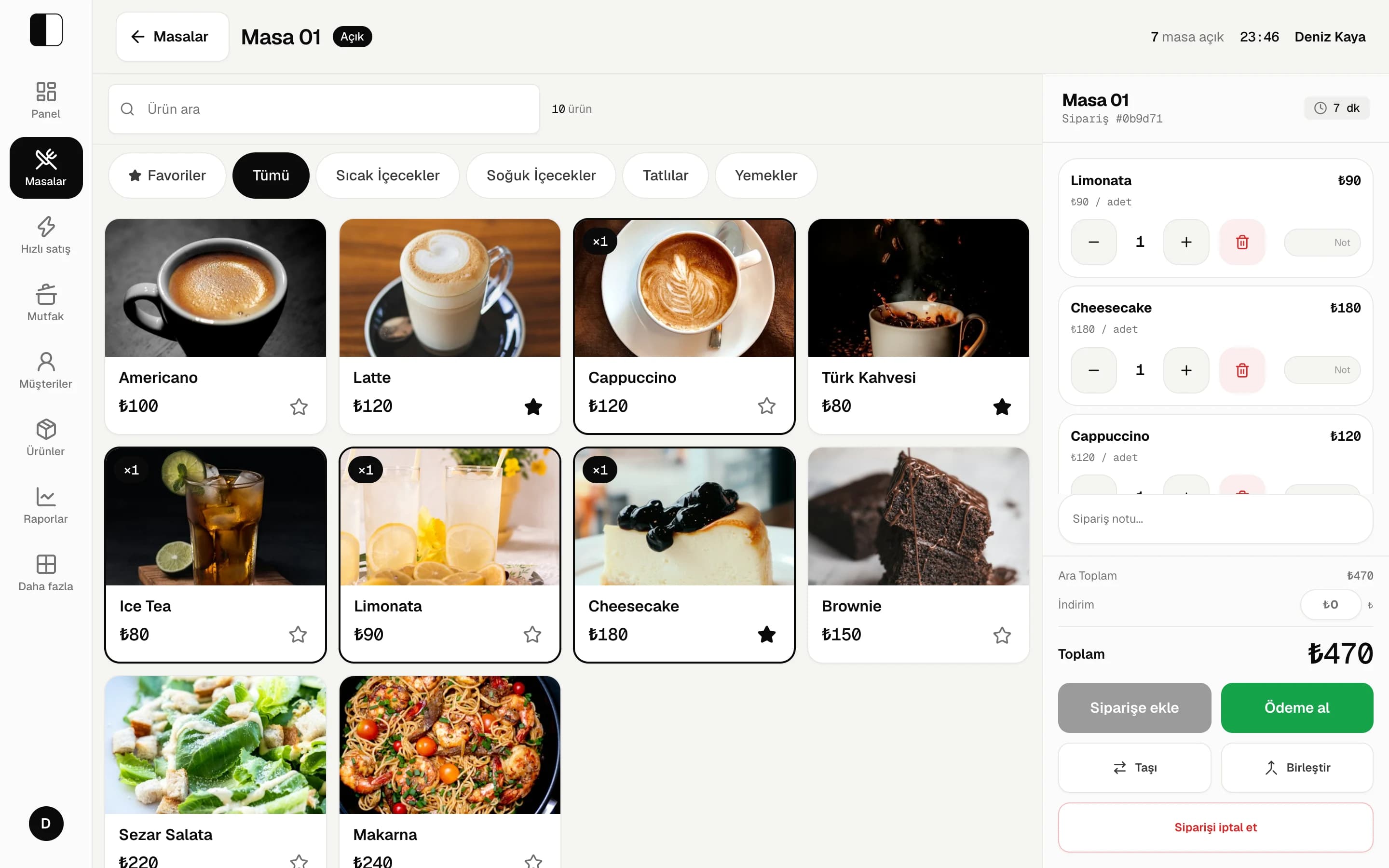
0 min
From sign-up to first sale
0 days
Free trial
0 ₺
No credit card needed
Anorderlandsonthetill,inthekitchen,instockandinthereportsatonce.
On first sign-in it asks a few questions: what kind of business, table service or counter, which modules you need. Tables, a sample menu and the home screen are prepared from your answers.
Café
Tables and counter together, quick sale, QR menu.
Restaurant
Waiter tablets, moving and merging tables, kitchen display.
Takeaway / Fast food
Table-free quick sale, kiosk, order numbers.
Bakery
Counter sales, recipe and ingredient cost.
Bar / Bistro
Tables by area, customer tabs.
Taken from the real app, filled with a week of data from a sample café.
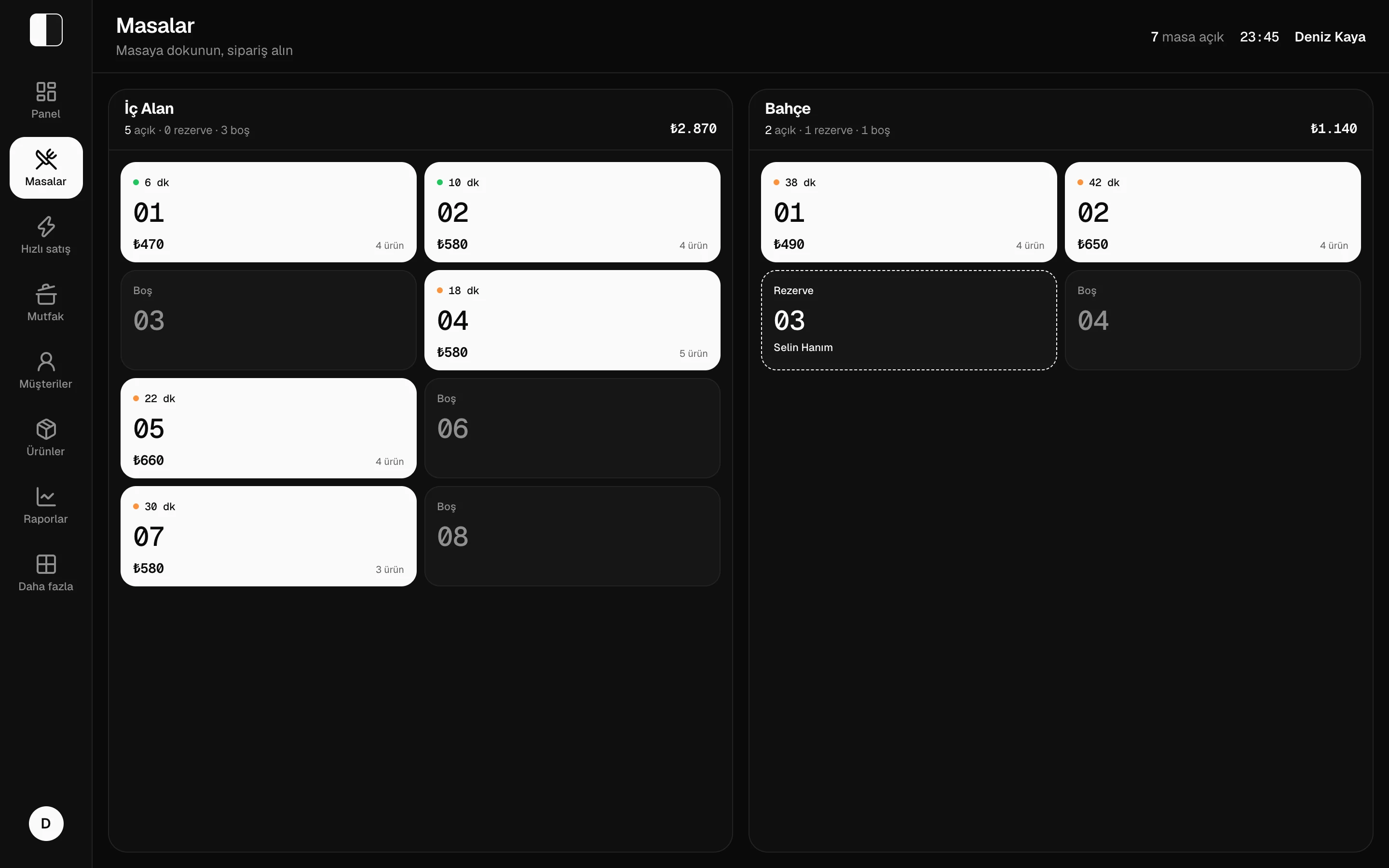
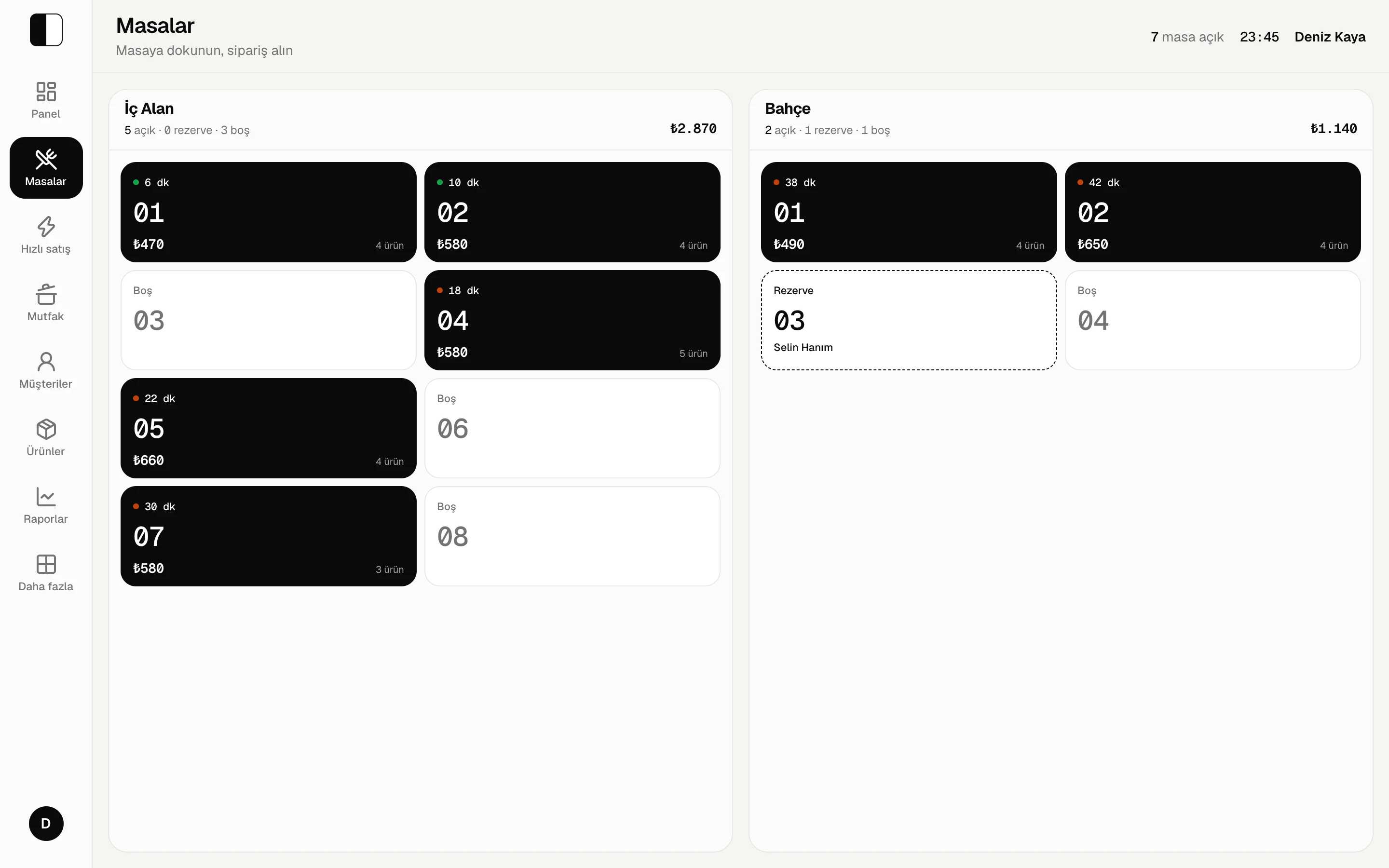
Table plan
Tables by area; how long each has been open, its total and reservations at a glance.
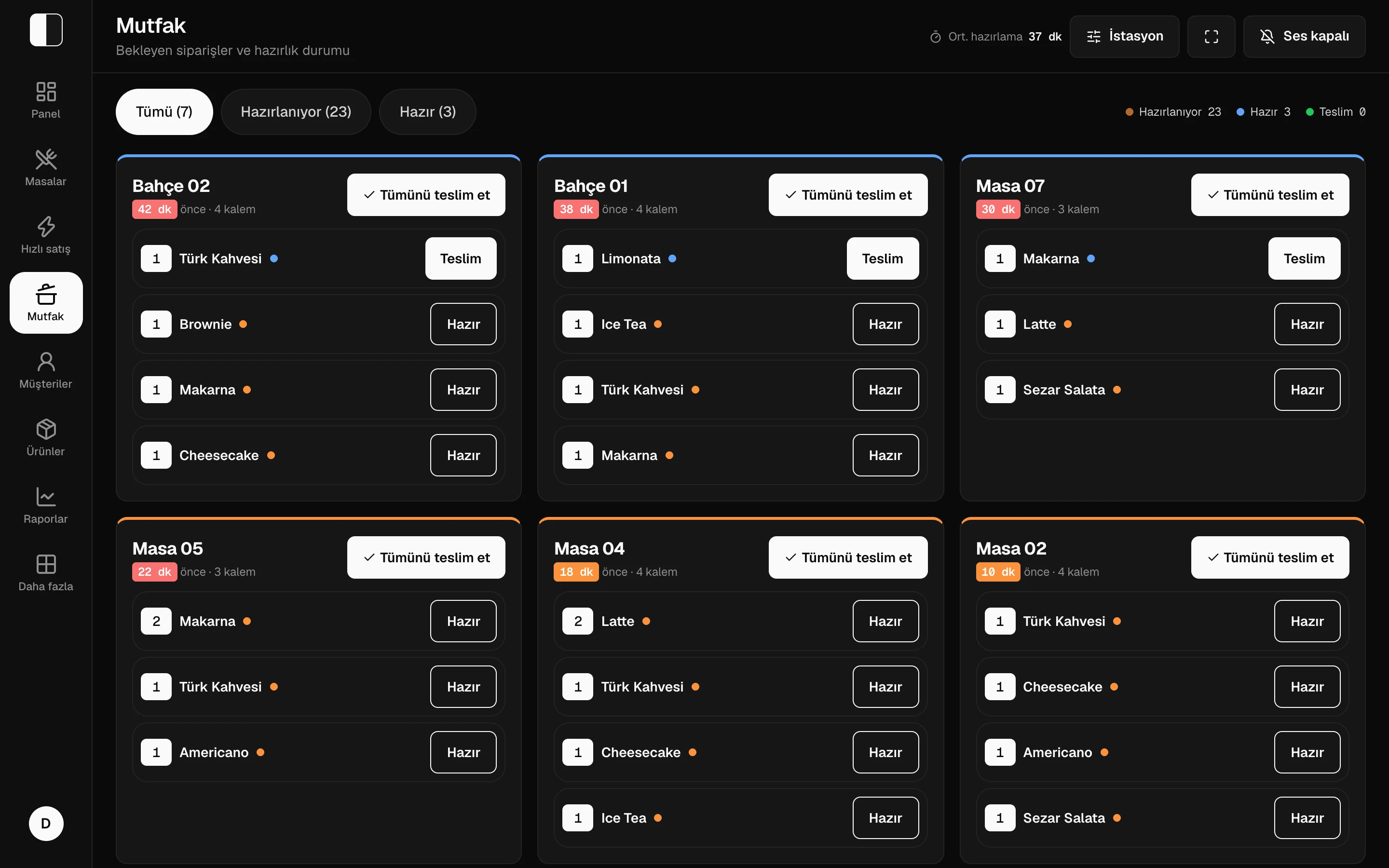
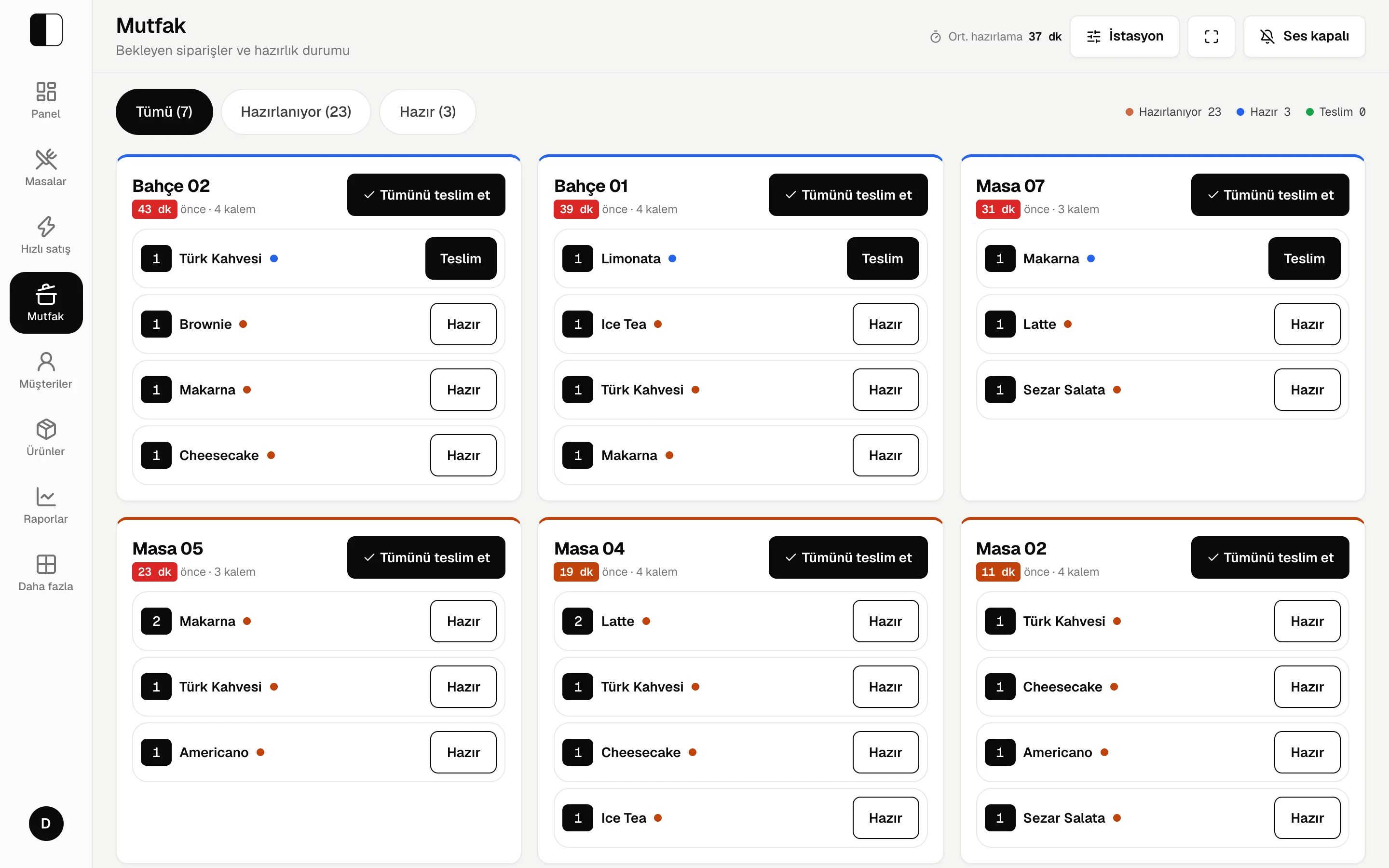
Kitchen display
Orders change colour as they wait; mark each item ready and served.
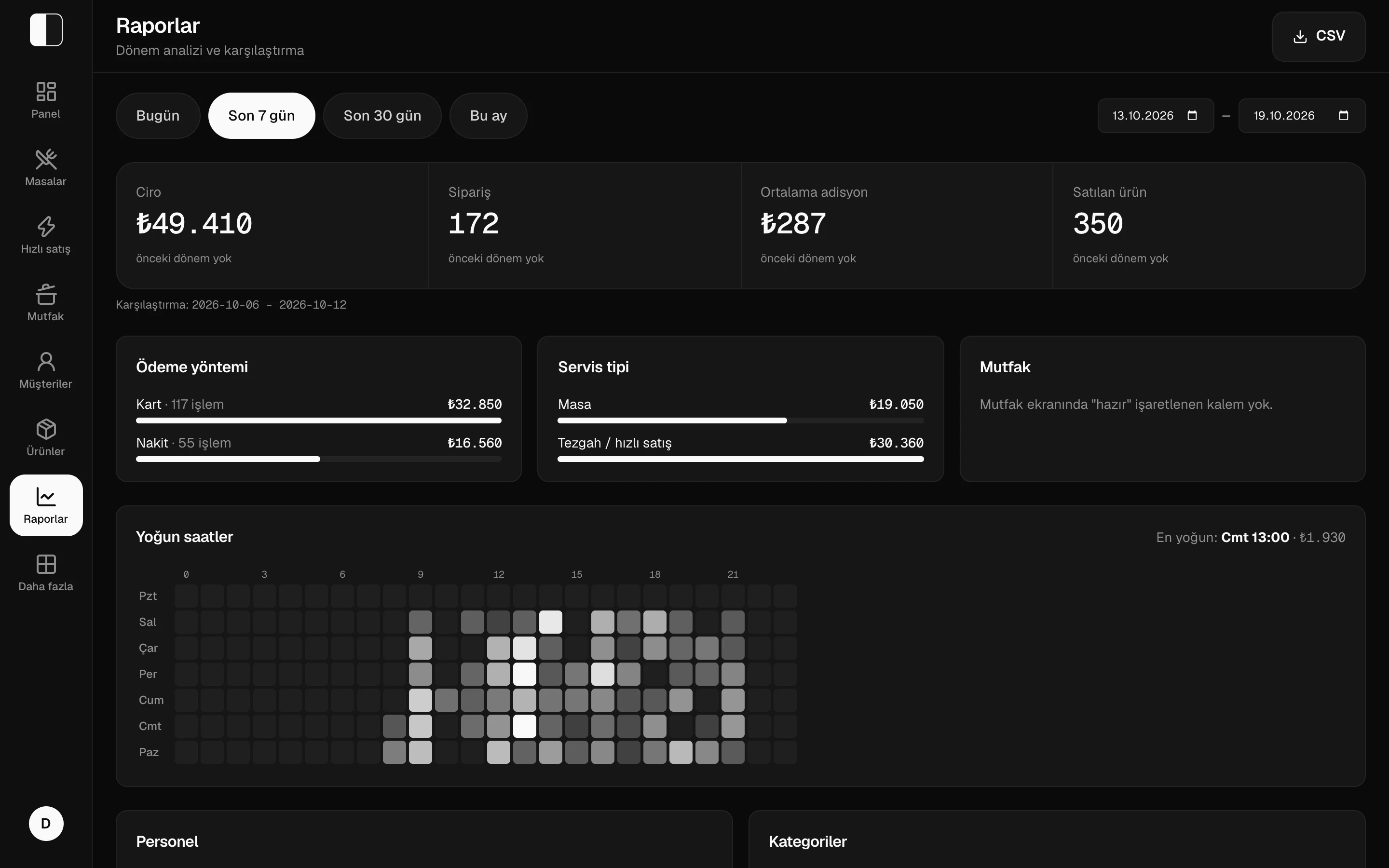
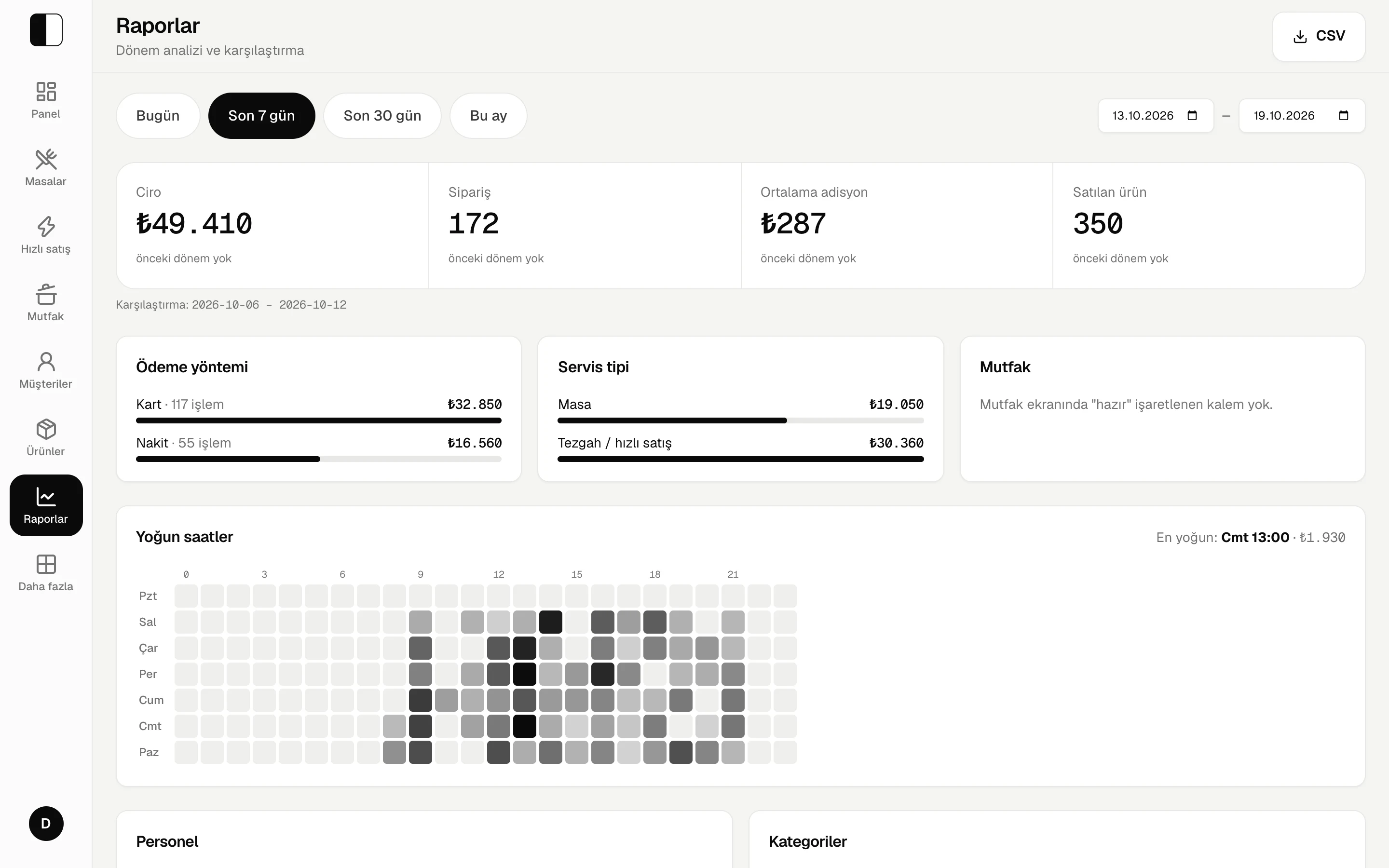
Reports
Revenue, payment methods, table versus counter, busy hours.
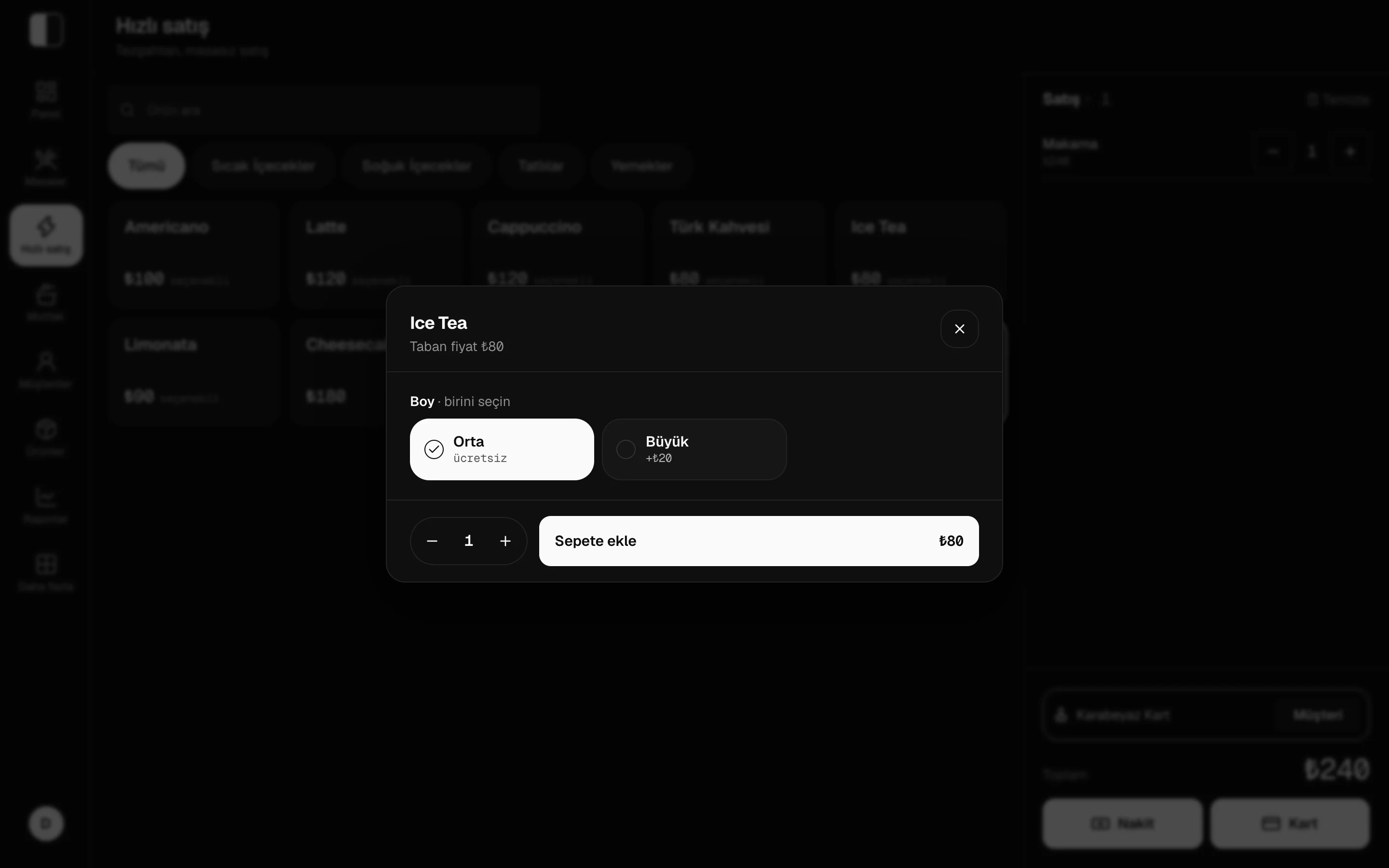
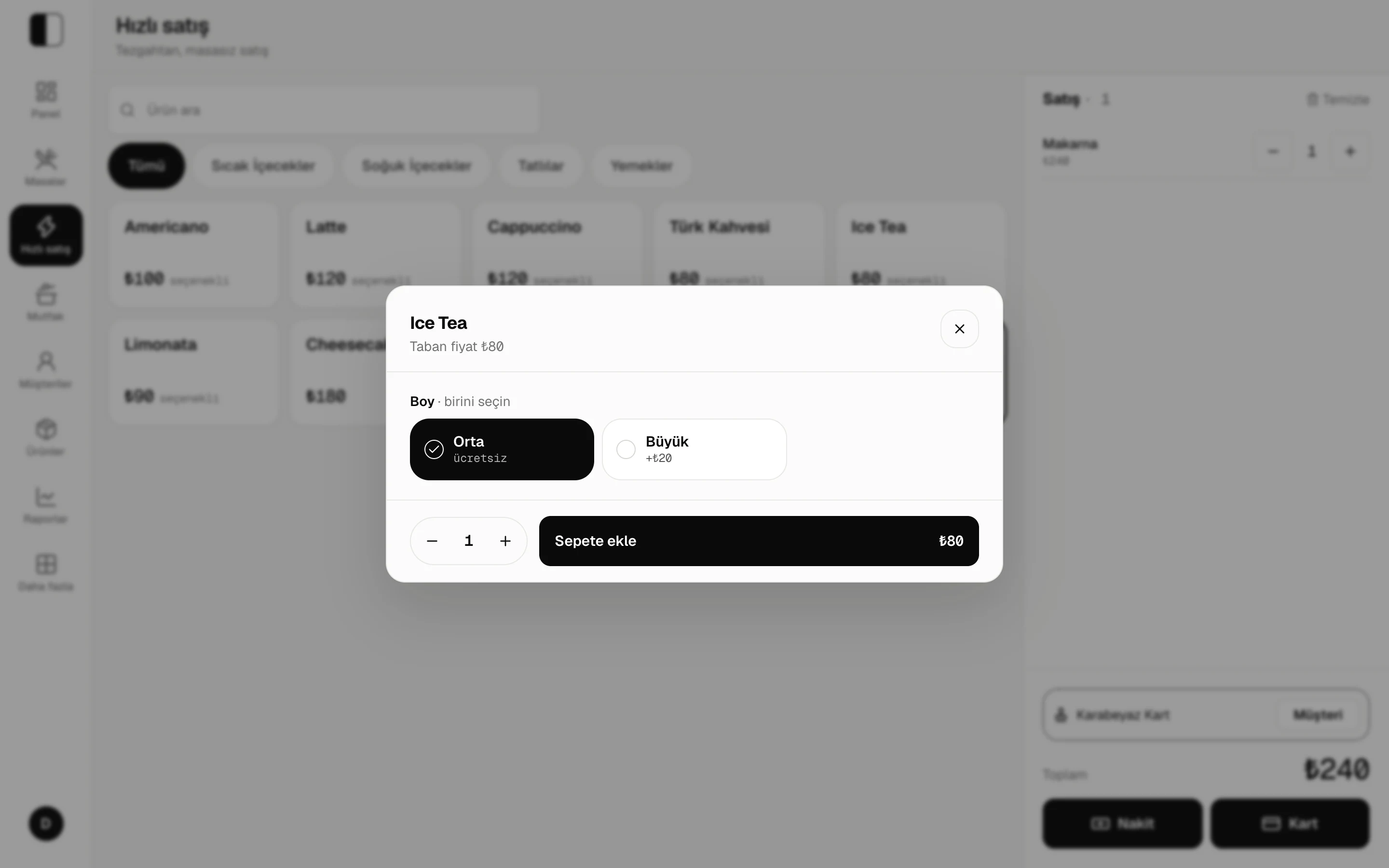
Quick sale
Counter sales without a table; cash or card in two taps.
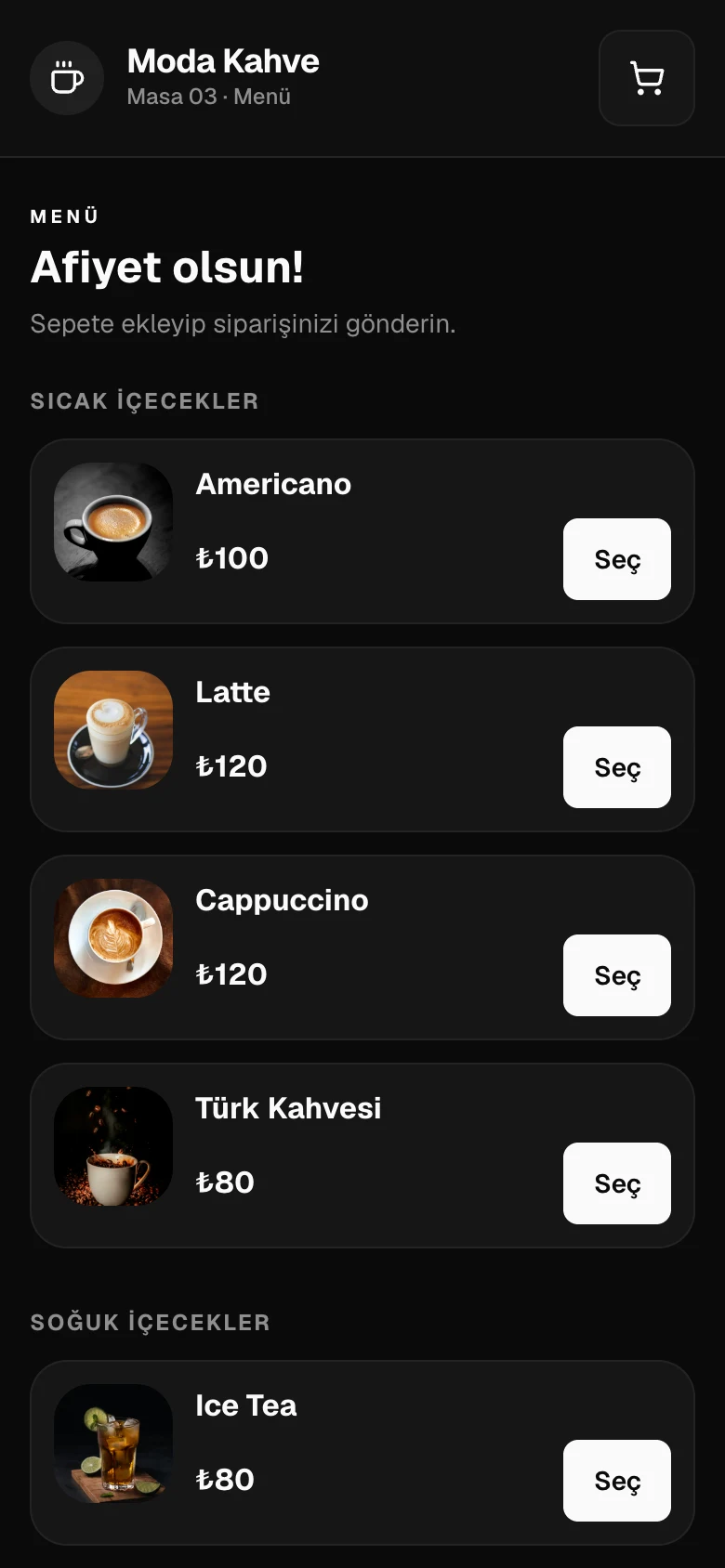
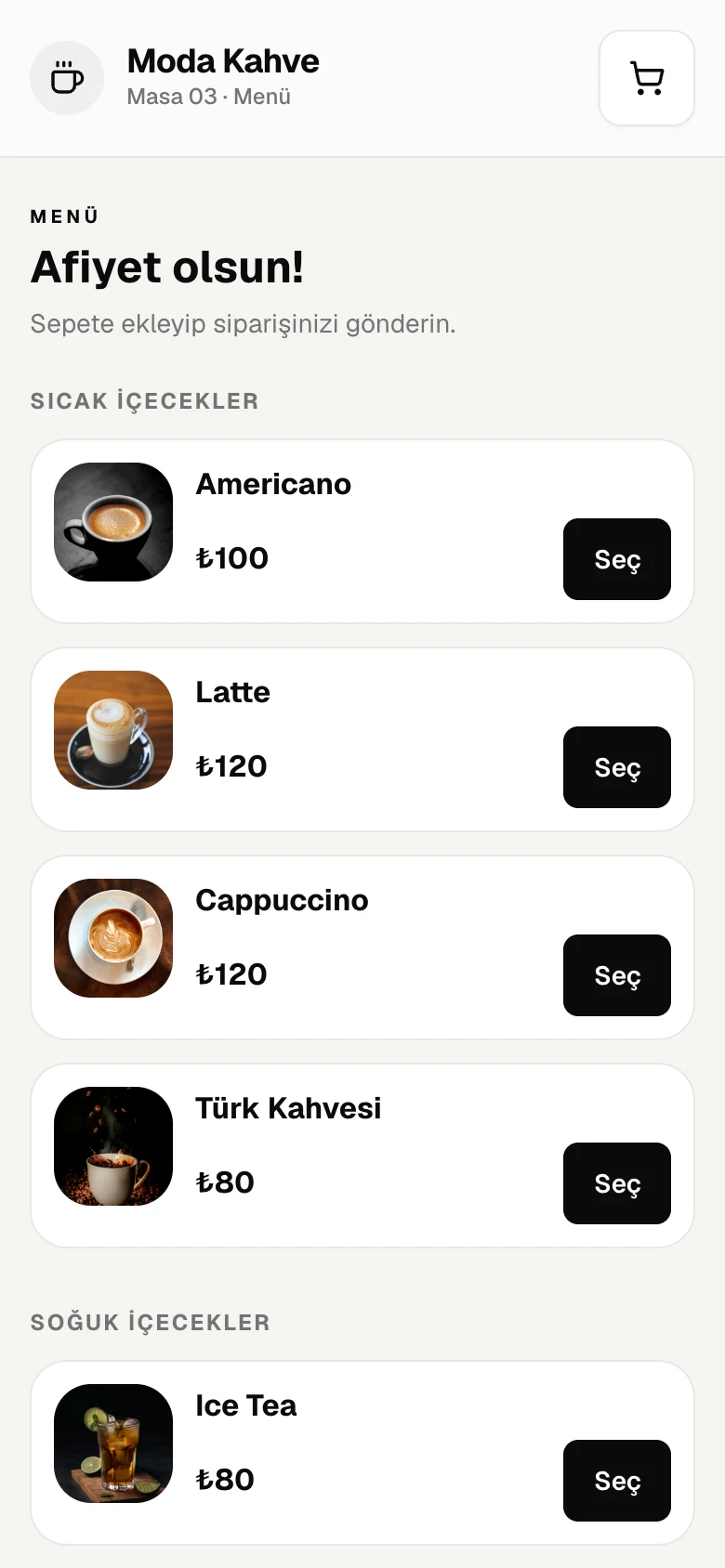
QR menu
Guests scan the table code, pick from the menu and send the order.
Features
No separate programs or notebooks. An order reaches the till, the kitchen, the stock and the reports at once.
Tables by area, item notes, discounts, moving and merging tables, reservations.
Counter sales without a table: pick, pay, done.
Waiters take orders but cannot handle money. Every staff member signs in with their own PIN.
Split payments, customer tabs and collections; end-of-day Z report and cash count.
A second screen at the till shows the basket and total to the customer.
Guests scan the table QR, browse and order; the till approves.
Guests place their own order on a tablet.
Digital stamp card: a stamp per visit, a reward when it fills.
Orders appear on the kitchen screen: preparing, ready, served.
Ingredient recipe per product; sales deduct stock and margins are calculated.
Count with a phone; differences and their value are worked out for you.
Purchase price history, so you notice when an ingredient gets dearer.
Comparison with the previous period, products and categories, staff, busy hours.
Upload a photo of your menu and your products appear in the panel in seconds.
Today's revenue, open tables, alerts and latest sales on your phone.
Ask "Is this week better than last week?" and it answers from your own data.
Clock in, clock out and breaks; who worked how long.
Open branches, push menu and prices in one tap, compare branches.
Hardware
No new hardware needed. Any tablet or computer with a browser becomes a till, and your register and screens connect to the system.
Nothing new to buy; your existing tablet, computer or phone becomes the till.
Fiscal settings are built in; we set up the integration with your device's manufacturer together.
A second screen at the till shows the basket, total and payment to the customer.
Orders appear on the kitchen screen at once: preparing, ready, served.
Guests place their own order on a tablet; it goes straight to the till and kitchen.
Guests scan the table code and staff take orders on their phone.
If the connection goes, the till keeps working with the last known menu and tables. Orders and payments are queued on the device and sent in order once you are back online. No sale is recorded twice, and each is filed under the day it happened.
Plans
Every new business starts with a trial that has everything switched on. When it ends, pick the plan that suits you.
Single-till cafés and small venues
Call for pricing
Restaurants with a kitchen, and chains
Call for pricing
The first 14 days include every Pro feature, free.
Transparency
No card to try it, and nothing extra to pay for setup.
No credit card
You don't need card details to start the trial.
No setup fee
There is nothing extra to pay to sign up and set up.
No hidden fees
Two plans; no setup, device or surprise charges.
Your data stays
When the trial ends, your data is kept as it is until you pick a plan.
Business name, device code and an admin PIN. No e-mail confirmation, nothing to install.
Choose your business type and service style; tables and a sample menu are ready. You can also import your menu from a photo.
Add staff and open the till. Other tablets and phones join with the device code.
Anything with a browser: tablets, computers, phones. It can be added to the home screen as an app; there is nothing to install.
The till keeps working. Orders and payments are stored on the device and sent to the server when the connection returns. Meanwhile the kitchen display and other devices do not see the new orders, and staff sign-in needs a connection.
Fiscal device settings are built in; contact us for integration with your device's manufacturer. Until it is connected, the receipt is issued on the register separately and the system reminds the cashier.
No. When the trial ends the sales screen closes until you choose a plan, and your data is kept as it is.
On Pro you can open branches, push the menu and prices to all of them and compare branches in one report. Each branch keeps its own till, stock and staff.
Each business's data is kept separate and cannot be seen by another business. Staff sign in with their own PIN; waiters cannot handle money and cashiers cannot change settings.
Everything is switched on for 14 days. No credit card needed.